Language

THRON Drive is a new feature that allows you to access THRON Platform assets directly from Mac Finder and from major creative and productivity software. The integration is made possible by CI HUB, an in-app connectivity platform for digital assets.
THRON folders become navigable in the file system, with the same structure, the same filters and the same search logic as the platform. You can open a file, edit it with software and save directly, without having to re-upload or change tools: the new version is updated in THRON automatically, respecting the defined permissions.
Thanks to CI HUB, the following application connectors are available for all operating systems:
Adobe Creative Cloud (InDesign, Photoshop, Illustrator, Premiere and others)
Canva, Figma, Sketch, Adobe Express
Microsoft 365 (Word, Excel, PowerPoint, Outlook), SharePoint
Google Workspace
WordPress, Salesforce
No training is required: it’s like working locally, but you’re inside THRON.
On our blog you can learn more about how THRON Drive accelerates the work of marketing teams and how it simplifies sales and wholesale operations.
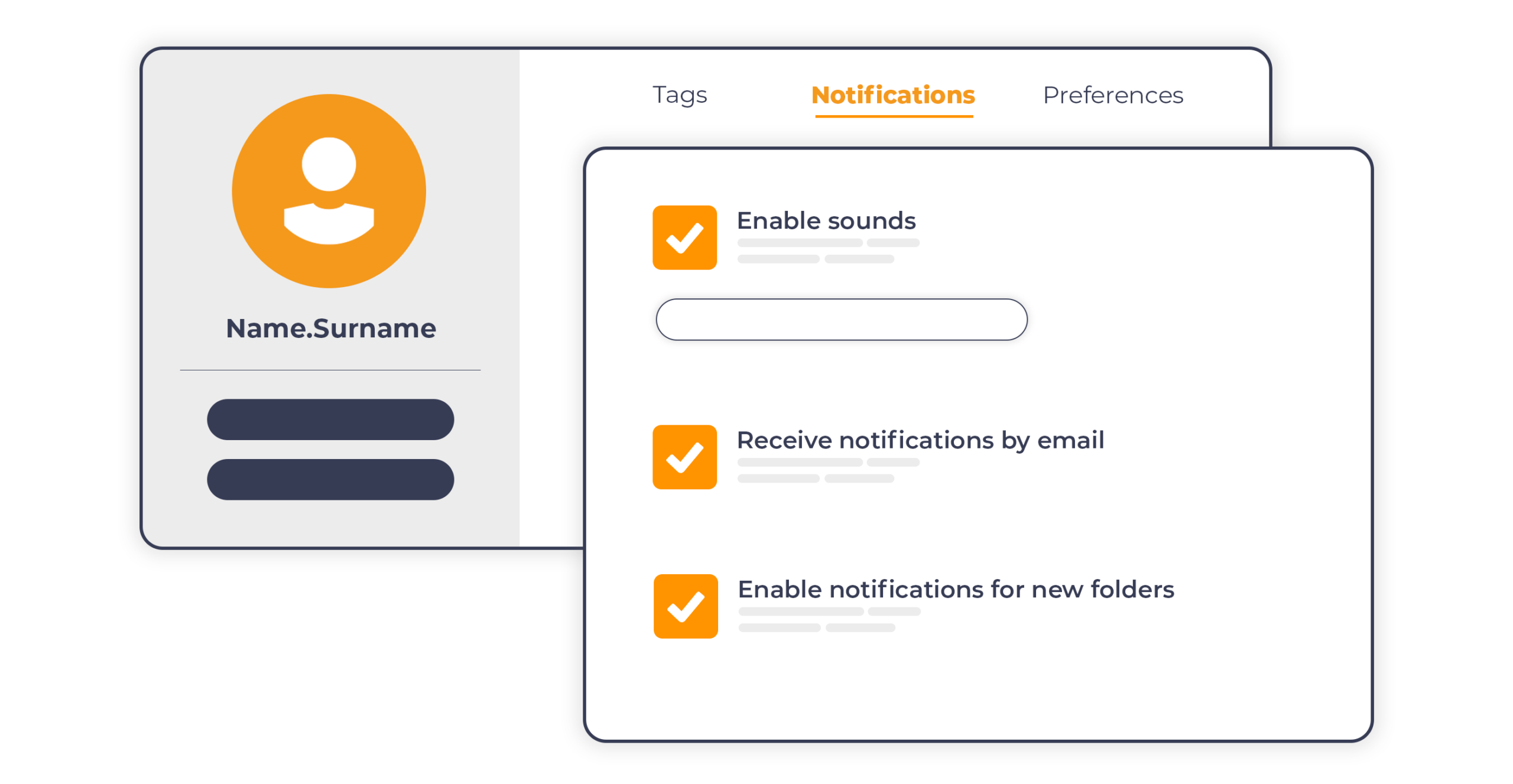
Product Workflow introduces an email notification system that automatically updates every participant on relevant project events in which they are involved.
When a new project is created, those with an assigned role receive a summary with name, dates, people involved, guidelines and number of tasks. From that moment, notifications are collected and sent in a single email every ten minutes in case of actual updates, avoiding information overload even for those participating in multiple projects simultaneously.
Each notification reaches the relevant role based on the project status:
Creator: receives notification when the project is created, when new products are added, when their content is rejected and when a shot is approved and moves to the editing phase.
Editor: is notified when a shot is approved and assigned for editing, and when their revision is rejected.
Manager: is notified when a shot is ready for approval and when a revision arrives for evaluation.
All participants: receive notification upon project completion.
The result is smoother collaboration between internal teams and external agencies, with less need to access the platform to check work status.
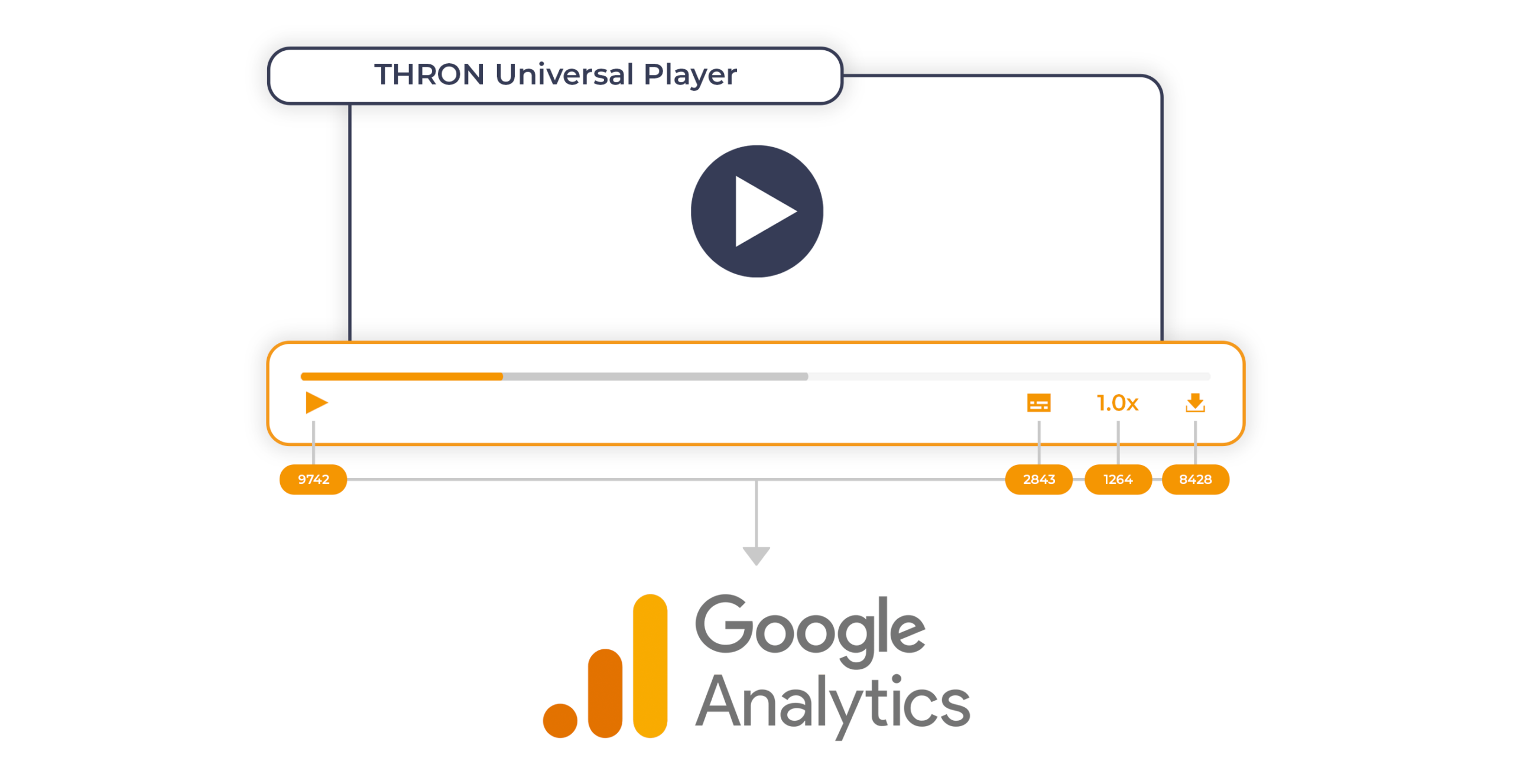
The THRON Universal Player becomes a native event emitter for Google Analytics 4.
In practical terms, an event emitter is a component that detects user interactions with content and automatically sends them to an external analytics system. With this release, THRON’s Universal Player autonomously manages the transmission of events to GA4, covering every user interaction with the content:
when they start, pause or finish playback
when they download a file
when they change quality, speed or volume
when they enable or disable subtitles
when they switch to full screen mode
when they zoom, resize or rotate content
when they navigate between contents of a gallery
No custom development is required anymore: it is sufficient for GA4 to already be configured on the page hosting the Player for all events to be transmitted automatically.
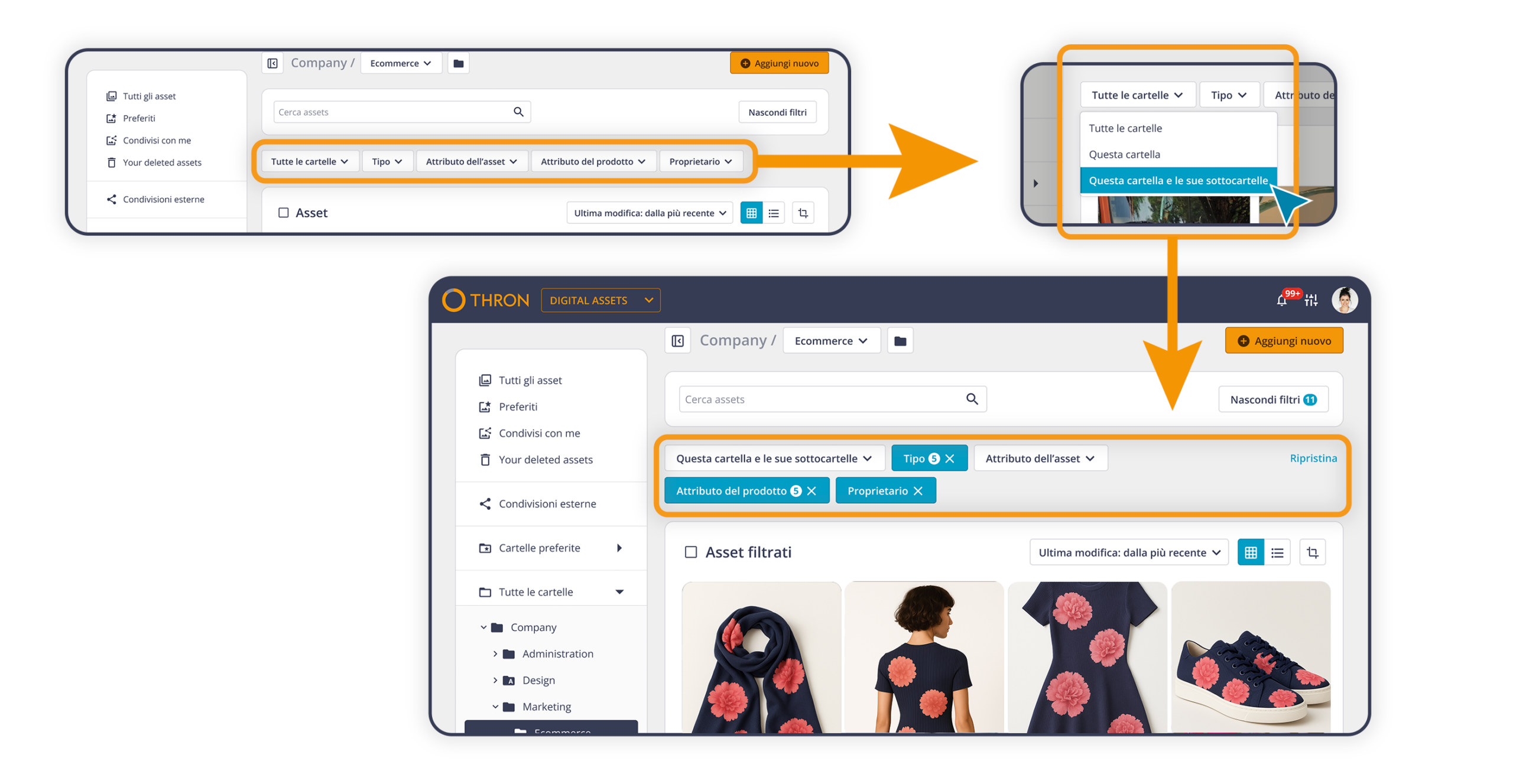
The Digital Asset Library filtering system has been revised to make the most frequent operations even faster and more direct. The available options are now immediately accessible, without intermediate steps, and easier to discover.
In detail:
active filters can be modified directly, without having to remove and reset them from scratch
each filter can be reset independently
the filter panel can be hidden or shown according to needs
it is possible to create new custom extensions on the fly, to meet specific needs without prior configurations
A more fluid navigation, designed for those who work on the Library every day and know exactly what they’re looking for.