Language

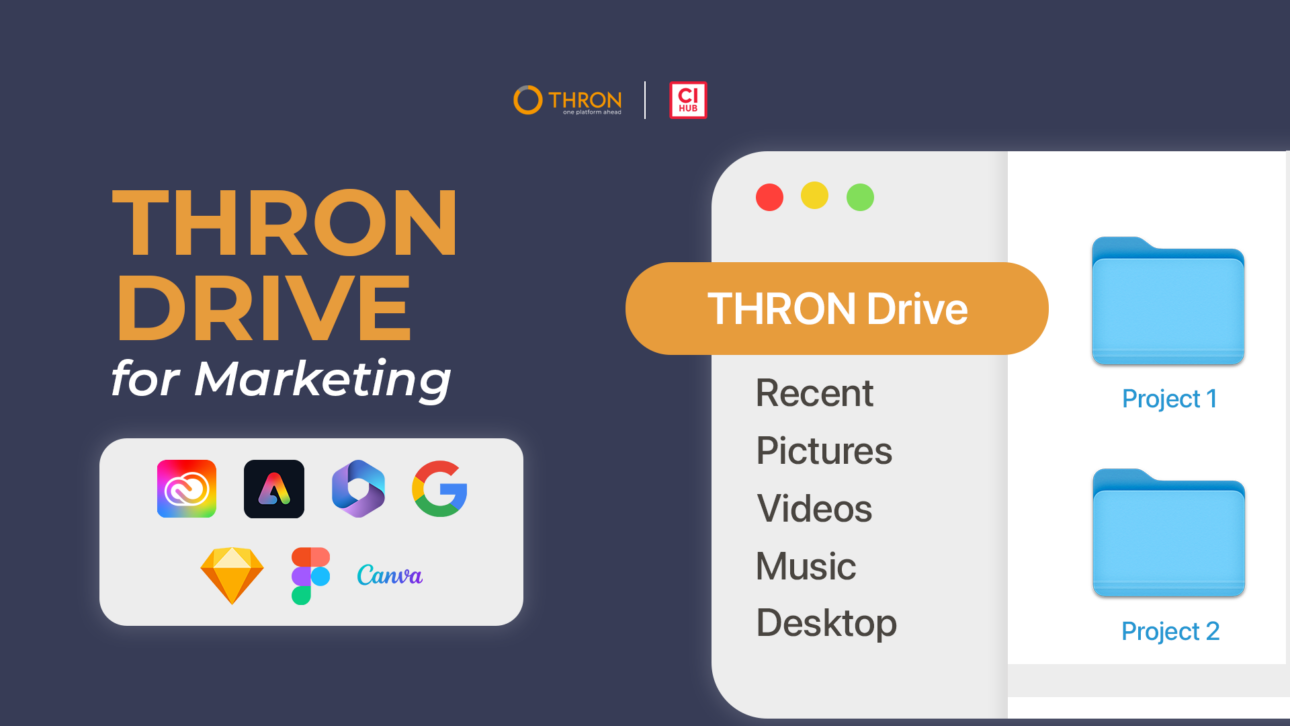
Marketing teams waste hours due to content fragmentation: files scattered across computers, cloud storage, outdated versions circulating without control. THRON Drive is the connector that brings the DAM into your computer’s file manager: DAM folders are visible and browsable in Finder, as if they were local.
Through the integration with CI HUB, an in-app connectivity platform for digital assets, THRON content is browsable directly from Finder as if it were on your computer, with search, filters and folders synchronized in real time.
It’s like working locally, but you’re inside THRON. THRON Drive interconnects marketing teams’ computers and software: the folders you already have are transformed into a shared common archive, without having to reorganize anything.
In this article you will discover how bidirectional synchronization works, how to integrate the DAM into your daily tools and how to ensure brand consistency with a zero change management approach.
Bidirectional synchronization is the mechanism of THRON Drive that keeps files and versions aligned in real time, eliminating manual downloads, uploads and versioning: local changes are reflected in the DAM and updated versions automatically reach operational tools. If you already have folders organized on your computer, you drag and drop them and recreate them on the fly in THRON without having to reorganize anything: the shared archive structures itself instantly.
For example, if a colleague updates a version of a logo, it automatically synchronizes across all the touchpoints where that logo was present, without manual intervention. Or, when you upload a new visual, it is automatically saved in the platform for reuse by the team.
This eliminates outdated local duplicates, emails like “which is the final version?” and manual checks before publishing, ensuring that every team always works on the approved version.
To avoid duplicates and publishing errors, THRON Drive maintains a single version of every asset, always synchronized between the DAM and all operational tools.
A multichannel campaign involves dozens of assets such as: display banners, social visuals, landing page images and print materials. With THRON Drive, when for example a banner is updated after client feedback, the change propagates automatically. Those working on the website see the new version, those preparing emails find the correct image, those scheduling social posts already have the approved visual. Access management ensures that only approved content is available in operational workflows.
To synchronize files and content between your computer and the DAM your company uses, dedicated tools are needed. THRON Drive transforms centralized management into a local folder in Finder that mirrors the structure present in THRON Platform, making content accessible as if it were saved locally.
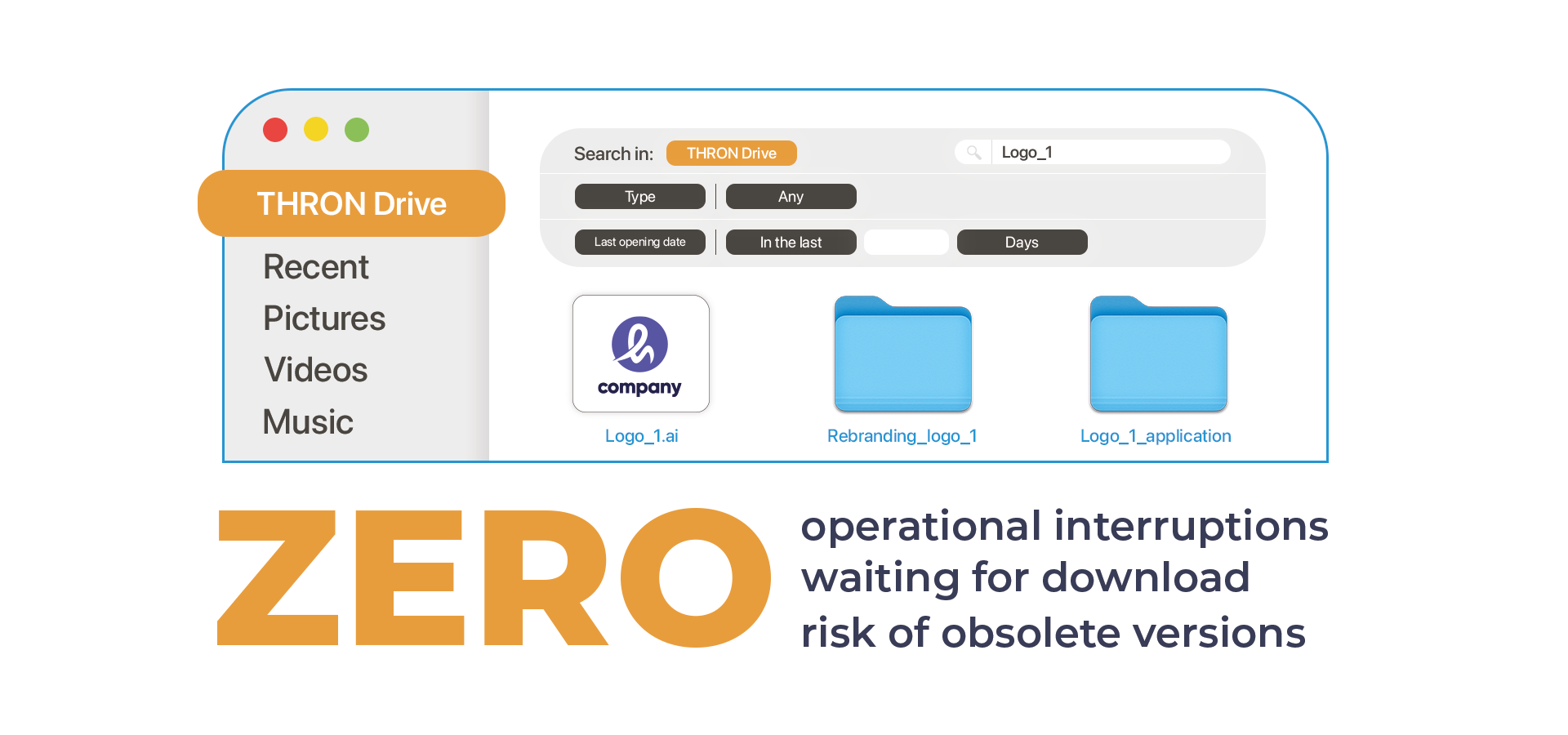
Search and filters are natively integrated, eliminating the need to switch to the browser and keeping focus on creative work. The benefit for marketing teams is immediate: zero workflow interruptions, zero waiting time for downloads, zero risk of working on outdated versions.
THRON Drive for file manager is currently available for macOS (Finder) and coming soon for Windows (File Explorer), while the application connectors already work on both operating systems.
The THRON Drive integration brings icons, logos, brand images and graphic components directly into Figma and Sketch through a native connector. The company design system becomes accessible with the same immediacy as it is available in creative suites: open the panel, search for the element you need and insert it into the project.
When the brand team updates a color, a logo or an icon in the central design system, that change is automatically reflected in all projects that use that element, maintaining visual consistency across all digital touchpoints without operational interruptions.
To integrate the DAM in InDesign and keep content always up to date, THRON Drive offers native connectors for Adobe Creative Cloud that eliminate the gap between creativity and centralized management.
InDesign, in particular, benefits from direct integration with the DAM: when you are laying out catalogs or brochures with dozens of linked images and an updated version of an asset already inserted in the project arrives, the update is instant while keeping the layout and applied effects intact.
Additionally, thanks to the native DAM+PIM integration, you can also access product information stored in THRON and drag them into the workspace to layout them in catalogs or technical data sheets.
The same applies to Photoshop, Illustrator, Premiere, After Effects and InCopy: no creative workflow interruptions to search for files, no risk of using outdated versions, no time wasted on downloads.
For campaigns involving dozens of creative materials, this translates into hours saved every week and zero publishing errors caused by outdated visuals. Creative teams maintain operational speed while centralized control ensures brand consistency across all touchpoints.
Marketing teams work on campaign presentations, performance reports and materials used by other company departments such as sales pitches. THRON Drive eliminates the manual update work by synchronizing these assets in real time between the DAM and Office 365 or Google Workspace suites. When an image is updated, the update is instant and keeps the layout intact.
The benefit is twofold: the marketing team keeps materials always up to date without repetitive interventions, while the sales team has immediate access to the pitches prepared by marketing. Even offline, sales reps have access to materials to show clients, with automatic synchronization upon reconnection, ensuring that every customer touchpoint always shows the most recent and approved content.
THRON Drive integrates centralized management into the Canva interface to ensure production speed without sacrificing brand control. Canva is often used to quickly produce social content, posts, stories and minimal materials: the goal is to maintain the certainty of using only approved assets even in this context.
When the social media manager needs to publish posts, they only see content validated by the brand team, eliminating the risk of outdated logos or unauthorized visuals. Bidirectional synchronization also allows visuals created in Canva to be uploaded directly to the platform, making available for reuse content that would otherwise remain isolated.
To manage permissions and roles without slowing down creative teams, THRON Drive automatically applies the controls defined in THRON Platform to all integrations while maintaining immediate operability. Assets for which a user does not have editing rights appear as read-only both in the synchronized folder in the file system and in the application connectors, protecting content and maintaining immediate operability without authorization requests or blocks.
This allows for clear segmentation: the marketing team modifies campaign materials while design works on creative files. Every change is recorded including author, date and type of action, while the version history allows any previous state to be restored.
THRON Drive for marketers means a simplified workflow across all touchpoints. When you launch a campaign, assets move from the creative brief to publication across all channels. Content creation software is interconnected: Adobe, Canva, Office, Figma communicate with each other through the unified archive, with no more operational silos.
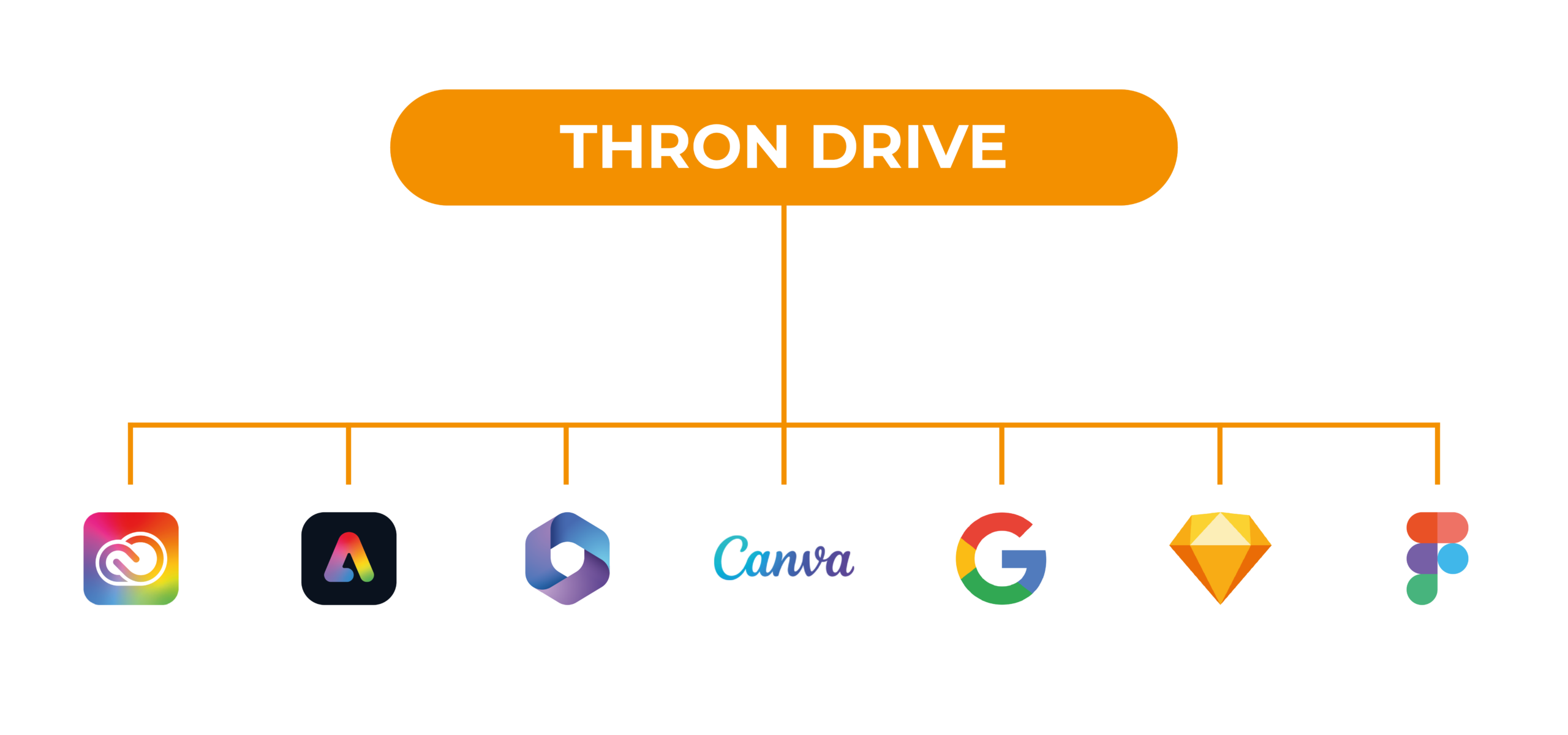
THRON Drive eliminates operational fragmentation, zeroes out publishing errors and ensures brand consistency across all touchpoints.
With a zero change management approach, teams continue to use the applications they know just as they always have while centralized management becomes a natural part of their daily workflow, ensuring immediate operability, centralized control and brand consistency.
THRON Drive interconnects computers and content creation software, making teams reactive and eliminating operational friction.

Can I work on the same content in multiple applications without downloading and re-uploading?
Yes. THRON Drive gives all applications access to the same central repository. You create a visual in Photoshop, use it immediately in a Canva presentation, insert it into an Office document: always the same file, without having to download and re-upload it manually. Changes are synchronized automatically in the background. If you work offline, synchronization resumes when you come back online.
Does THRON Drive require training for creative teams?
No, it is designed with a zero change management approach. Teams continue to use the same software and workflows they are used to, and the centralized management integrates into the native operating system experience without requiring any training.
Does THRON Drive work only with images and videos or also with text and product information?
THRON Drive works with all types of content: images, videos, documents, and product information. Thanks to THRON Platform’s native DAM+PIM integration, you can also access textual product data (descriptions, technical specifications, prices) directly from InDesign to lay them out in catalogs and data sheets.
What is CI HUB and what role does it play in THRON Drive?
CI HUB is an in-app connectivity platform for digital assets that allows THRON to be integrated with creative applications and operational tools. Thanks to CI HUB, THRON content becomes directly accessible inside Adobe CC, Canva, Figma, Sketch, Office 365, Google Workspace and other applications, eliminating the need to download files manually and keeping everything synchronized in real time.
How does version management work in Adobe?
You insert an asset from the THRON Drive panel into the Adobe project and the system keeps the link active: when an updated version arrives you receive a notification and with one click you replace the asset while maintaining its position, dimensions and applied effects.
Can I use approved assets directly in Canva?
Yes, the connector integrates the DAM into the Canva interface: you open the panel, search for the asset, drag it into the project seeing only approved content, and you can upload visuals created in Canva directly into the DAM without any intermediate steps.
How can a file created in Photoshop also be available in Canva and Office?
No. THRON Drive maintains a single version of the file in the central repository, accessible from all integrated applications. When you save an asset in Photoshop, it is saved in the THRON repository and becomes immediately available in Canva, Office, Figma and all other applications. You modify the file in one tool and the update is visible in all the others. Zero duplications, one single version always synchronized.
How are permissions managed when files are synchronized?
The roles and permissions defined in the DAM are automatically applied everywhere: Mac desktop folder, Adobe panels, Canva, Figma, Office. Assets without editing rights appear as read-only, with every change tracked by author and date.
What integrations does THRON Drive support beyond Adobe and Canva?
Adobe Creative Cloud (Photoshop, Illustrator, InDesign), Canva, Figma, Sketch, Office 365 (Word, PowerPoint, Excel), Google Workspace (Docs, Slides, Sheets), WordPress, SharePoint, Adobe Express and Salesforce. The desktop version for Mac works with any application that works with local files.
Can I search and filter assets using THRON directly from the Finder?
Yes, THRON’s search and filters are natively integrated into the file system. You can search for assets using the platform’s same search features directly from the Mac Finder, filtering by tags, metadata or categories.
Do I need to download files to edit them or can I work directly?
You can work directly. Open files from the THRON Drive folder with your usual applications (Photoshop, Word, etc.), edit and save. Changes, if authorized, are automatically uploaded to the platform without manual downloads or uploads.
How can I use THRON Drive if I start from folders already organized on my computer?
You drag the folders you already have on your computer or server and recreate them on the fly in THRON: the shared repository structures itself instantly without having to reorganize anything. Your folders become accessible to the entire team with automatic permissions and synchronization.
Does THRON Drive work on Windows?
The THRON Drive desktop with file system integration is currently available for macOS (Finder) and will soon be coming to Windows (File Explorer). The application connectors already work fully on Windows: Adobe CC, Canva, Office 365, Google Workspace, Figma, Sketch, WordPress, SharePoint, Adobe Express and Salesforce.