
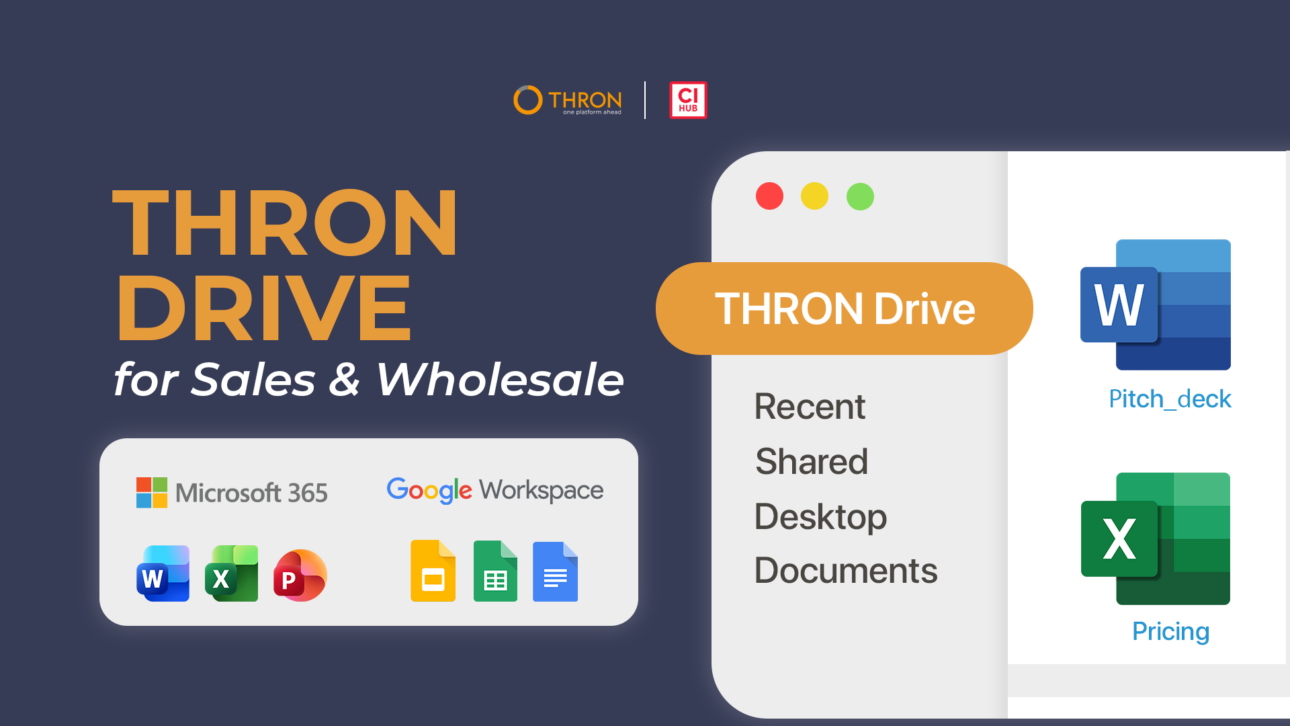
Sales teams and the Wholesale network share the same operational problem: commercial materials scattered across local folders, email attachments, and obsolete versions. Every minute spent searching for the updated price list or verifying whether a pitch deck is the final version is time taken away from selling.
THRON Drive is the connector that brings the DAM where Sales and Wholesale already work: in the computer’s file manager and in operational sales tools. The result is always updated and approved content, accessible without having to change tools or wait for the Marketing team.
Through integration with CI HUB, an in-app connectivity platform for digital assets, catalogs, product sheets, price lists, and commercial offers become accessible directly from Microsoft 365, Outlook, Google Workspace, and Salesforce Marketing Cloud.
It’s like working locally, but you’re inside THRON. In this article we analyze how automatic synchronization works for Sales teams and the Wholesale network, and what concrete benefits THRON Drive introduces in the daily operations of those who work in the field.
In sales teams the scenario is always the same: a call with a prospect is imminent, but the available price list might not be the final one, or the prepared presentation contains obsolete materials. Files scattered across local folders, duplicates, and versioning problems become the norm when there is no single source of truth for commercial materials.
THRON Drive steps in bringing price lists, discounts, product sheets, sales kits, and comparative materials directly into your Finder, without having to change tools or context. It’s no longer necessary to download and upload from different sources or request the latest version of sales collateral from marketing before an elevator pitch, synchronization is automatic: every official and approved content is already available in the correct version, in real time.
Fewer scattered files, fewer errors, and more time to focus on selling.
To have always updated sales documents, the DAM must be integrated into the tools that teams use every day. THRON Drive brings the DAM to Microsoft 365 making content available directly in Word, Excel, and PowerPoint. This ensures that commercial offer documents are in the correct version, eliminating the risk of sending proposals with obsolete information.
The same principle applies to Excel: price lists and comparative materials update automatically when the product team modifies data in the platform. The automatically updated Excel price list no longer requires manual verification and synchronization works on both PC and Mac.
Content reuse is particularly evident with PowerPoint, where those preparing commercial pitches and presentations for clients and partners access always updated templates and brand-compliant content, without leaving the tool and without extra steps with marketing. Every slide contains consistent and reliable information, ready to be presented.
Finding the correct asset among versions, approvals, and scattered links takes time, especially when attachments are searched for among local folders, old emails, or versions of unknown validity. THRON Drive solves the problem at its root: at the time of sending, it’s possible to search and attach updated DAM materials without leaving Outlook.
Commercial proposals, follow-ups, brochures, and catalogs are sent in the approved version, without the risk of attaching an obsolete document. This allows for reducing errors in email attachments and maintaining every communication with clients and partners to a constant reliability standard.
Immediacy and error reduction combine in a workflow that requires no training or habit changes: the team continues to operate in Outlook as always, but with the certainty that the attachment is always the correct one.
The DAM integration with Salesforce Marketing Cloud simplifies the management of email campaigns to CRM contacts. The traditional workflow involves downloading images, uploading them to the tool, and manually verifying that they are in the correct version. THRON Drive eliminates these steps.
In practice, THRON content is accessible directly in Salesforce: emails are created starting from a template and content present in THRON is inserted without intermediate steps.
The result is a more streamlined process: downloads, uploads, and associated manual verifications are reduced, simplifying workflows and ensuring complete control over every inserted content.
The Wholesale network often depends on marketing or other areas to receive updated materials, and every request generates waiting. A typical case is an urgent request for a price list or technical sheet before an appointment: if the response arrives late, or an outdated version arrives, the risk is communicating obsolete information and losing credibility.
THRON Drive functions as an always updated digital catalog: price lists, brochures, presentations, and technical sheets are accessible locally, reducing requests to marketing. This way, those working in the field retrieve the correct materials independently, without having to chase attachments and without opening internal tickets.
For distribution of price lists and brochures to resellers, THRON manages permissions, access, and governance so that each reseller sees only content that has passed approval. When a technical sheet is updated and published in the official version, the new version automatically arrives in shared folders, without manual intervention.
With a zero change management approach, the Wholesale network continues to use the applications they know as they always have, while centralized management becomes a natural part of daily workflow.
THRON Drive interconnects the computers of Sales and Wholesale network, providing always updated commercial materials.

What is THRON Drive and what changes for Sales and Wholesale?
THRON Drive is the connector that brings the DAM where Sales and Wholesale already work: in the computer’s file manager and in operational sales tools. As a desktop connector, it synchronizes price lists, catalogs, and commercial materials without downloads, uploads, or requests to marketing.
What types of content can I synchronize?
Price lists, product sheets, catalogs, brochures, presentations, pitch decks, commercial offers, comparative materials, and any other digital asset present in the THRON library.
How can I prevent obsolete versions of catalogs and presentations from circulating?
THRON Drive maintains a single synchronized version of each asset, as a single source of truth. When marketing updates content, the change automatically propagates to all connected devices.
When Marketing updates a digital asset, how long does it take to reach Sales?
The update is in real time. As soon as the content is updated, the new version is available on connected devices and applications.
Does THRON Drive also work for external partners and Wholesale resellers?
Yes. The Wholesale network accesses content through their Mac’s Finder, with materials synchronized on their devices in compliance with platform permissions.
Does THRON Drive work on Windows?
THRON Drive for file manager is currently available for macOS (Finder) and will soon arrive for Windows (File Explorer). Application connectors already work fully on Windows: Office 365, Google Workspace, Outlook, and Salesforce Marketing Cloud.
Do I need to revise my internal workflows to use THRON Drive?
No, it’s designed with a zero change management approach. Sales teams and the Wholesale network continue to use the same tools and maintain their operational habits: centralized management integrates into the operating system without requiring training.
Can the reseller network independently modify a presentation starting from a shared template?
You choose: based on the access you give them in the platform, the reseller can access the template, customize it with their usual tools (like PowerPoint) and the changes are tracked.
How do I share any content Sales needs for their email campaigns?
Through integration with Salesforce Marketing Cloud, DAM content is accessible directly in the tool and Sales can insert it into email campaigns via drag and drop, without intermediate steps.
What benefits does THRON Drive offer in terms of time and simplification?
Elimination of manual downloads and uploads, reduction of requests to marketing, zero version errors, immediate access to updated materials, and operational continuity.
How do I manage permissions and access for internal teams and partners?
The roles and permissions defined in the DAM automatically apply to all integrations. Assets without editing rights appear as read-only, every change tracked with author and date.
Can I search and filter assets using THRON directly from Finder?
Yes, THRON’s search and filters are natively integrated into the file system. It’s possible to search for digital assets using the same search functionalities of the platform directly from Mac Finder filtering the repository by tags, metadata, or categories.
What is CI HUB and what role does it have in THRON Drive?
CI HUB is an in-app connectivity platform for digital assets that allows THRON to integrate with operational tools and applications. Thanks to CI HUB, THRON content becomes accessible directly inside Microsoft 365, Outlook, Google Workspace, and Salesforce Marketing Cloud, eliminating the need to manually download files and keeping everything synchronized in real time.